

Unable to Log In
There are times when you fail to log in and you get this error message.
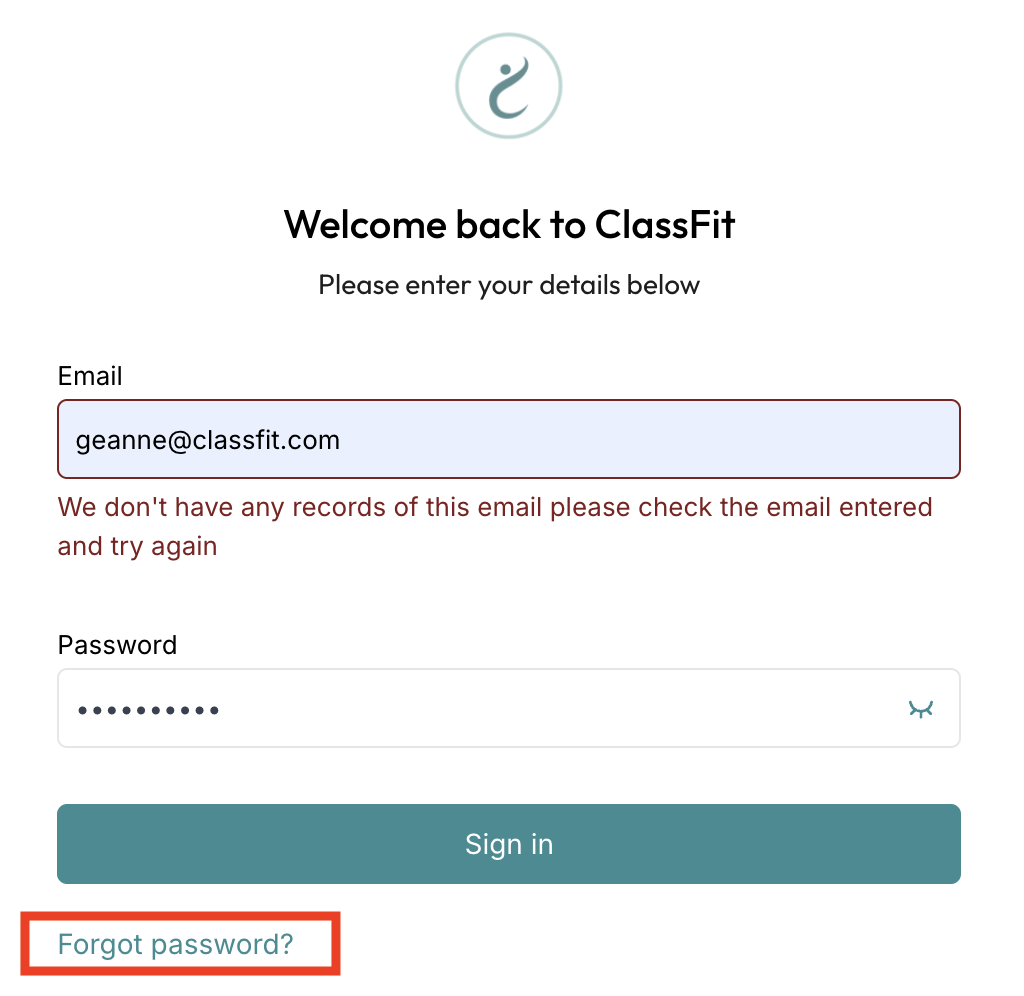
- When this message appears, click “Forgot password?”, then re-enter the email address associated with your ClassFit account.

2. Check your email for a password reset link, then follow the link to create a new password.
If you are still unable to log in, please contact us at [email protected]
Resetting a client’s password. You cannot send a password reset from your client list. Ask the client to open the ClassFit login screen, click Forgot password, enter their email and follow the link. If they have no account yet, add them under Clients > Add client so they receive a registration email.
Signing in with Google
Click Sign in with Google and log in using your Google credentials. If you are still unable to sign in, please email us at [email protected].
A client says they cannot find their account
First, look for them under Clients in your dashboard. If you can find them, share the email address they signed up with. If you cannot find them, they may not have created an account yet, and should create a new one.