

How to Customize your Email Branding
When we email your clients with booking confirmations, class updates etc, we try our best to make our emails look like you have sent them. They will have your name, colors, and website links. To achieve this, we will need this information from you.
To do that, go to Tools on the left side menu. Then click Calendar Widget.
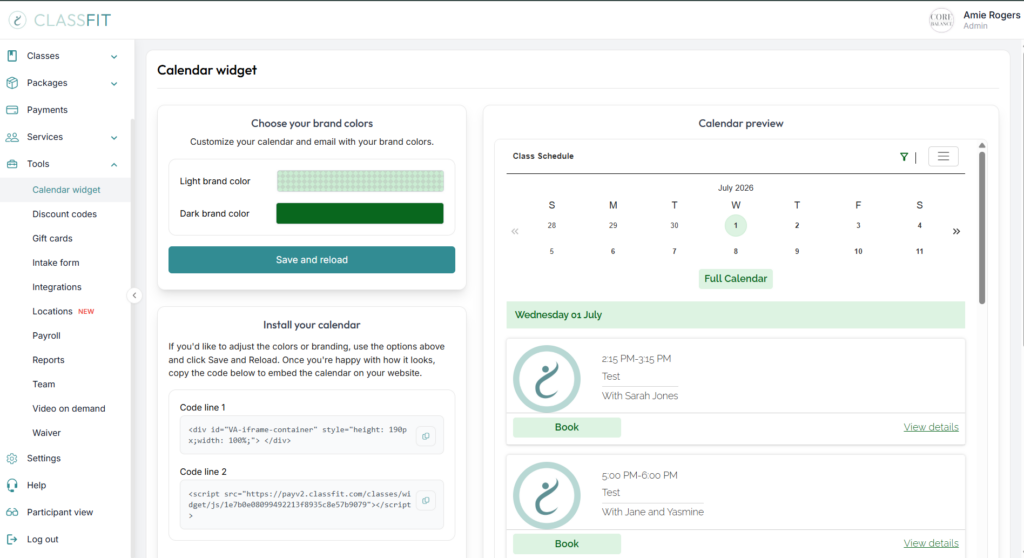
Select your light and dark brand colors.

Once you have done this, your emails will all be fully aligned with your branding.
If you need any further help with this, please email [email protected].