

Linking to your profile
There are three different links, and they do different things.
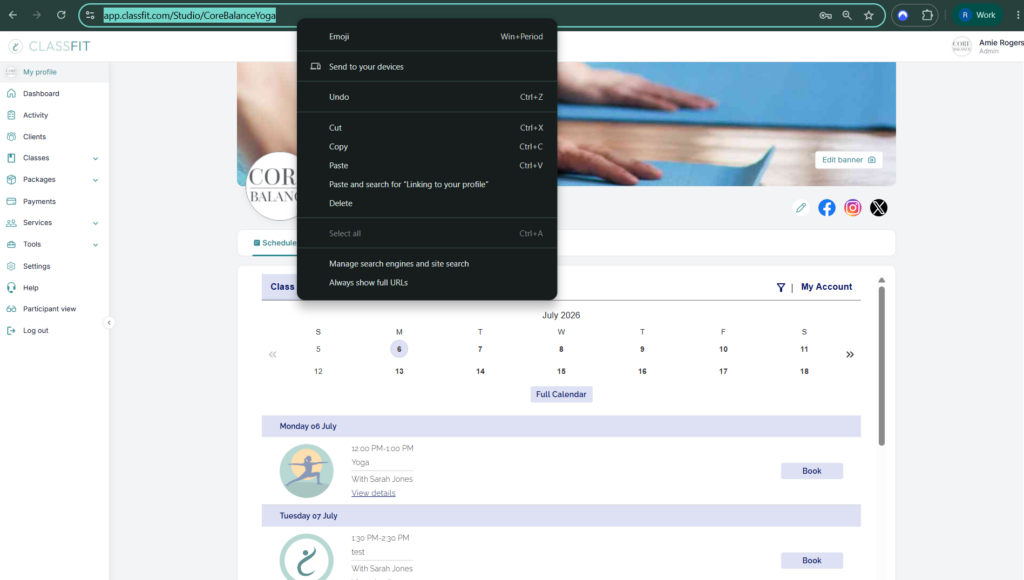
Your whole timetable: profile link. Click My profile at the top of the left menu. Copy the URL from the address bar. Anyone with it sees all your public classes and can book.
Your whole timetable on your own website: calendar widget. Go to Tools > Calendar widget and copy the install code into your site. See Adding your calendar to your website. Clients book without leaving your site.
One private class: class share link. For a class set to “Clients with a link to your class”, copy that class’s own link. See Create a class. The profile and widget links do not show private classes.
If you need any further help with this, please email [email protected].