

Unable to log in
There are times when you fail to log in and you get this error message.
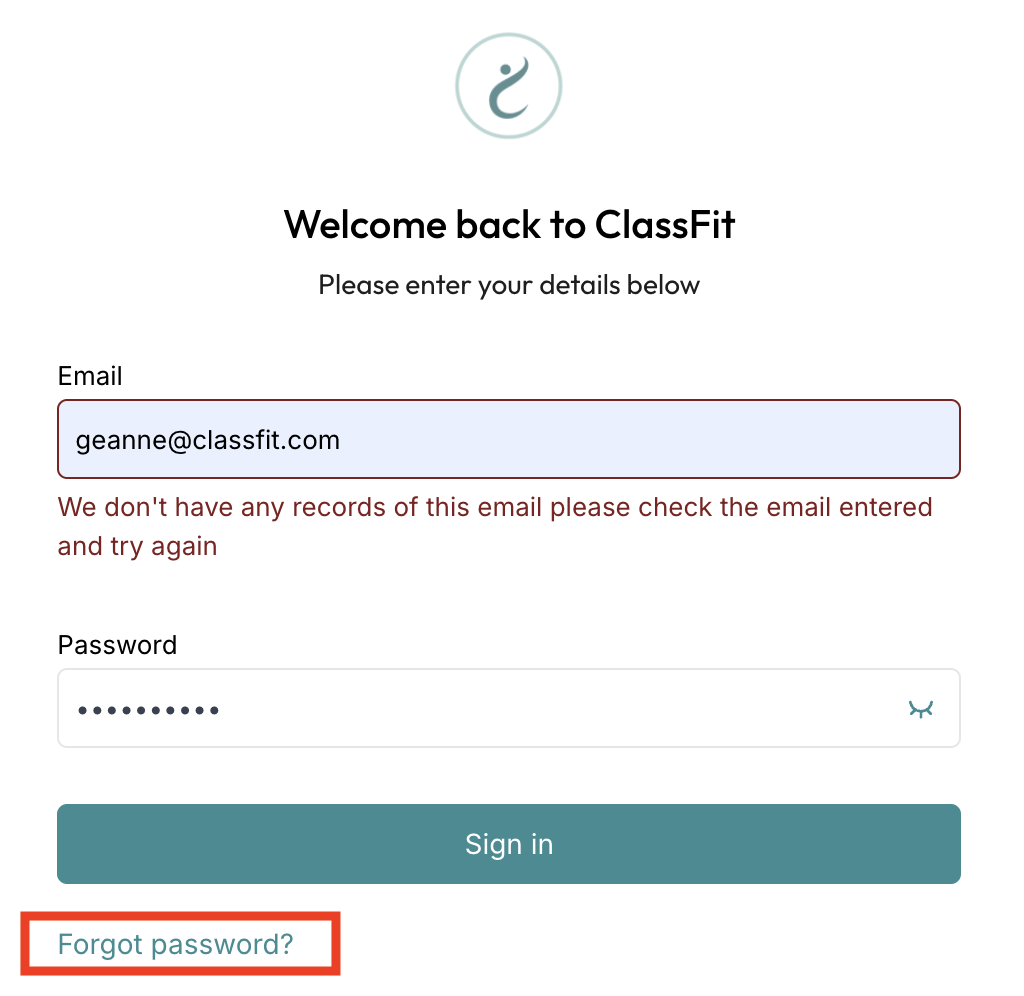
- Once this comes up, click on ‘Forgot password’ then re-enter the email address of your ClassFit account.

2. Check your email. You should be able to receive a link where you can put in a new password.
If you are still unable to log in, please contact us at [email protected]
Resetting a client’s password. You cannot send a password reset from your client list. Ask the client to open the ClassFit login screen, click Forgot password, enter their email and follow the link. If they have no account yet, add them under Clients > Add client so they receive a registration email.