

How to get reports from Stripe
Our online payment partner is Stripe. Stripe’s financial reports help you understand and reconcile the activity in your account. You can view summary reports in the dashboard or download itemized transaction data as a CSV file.
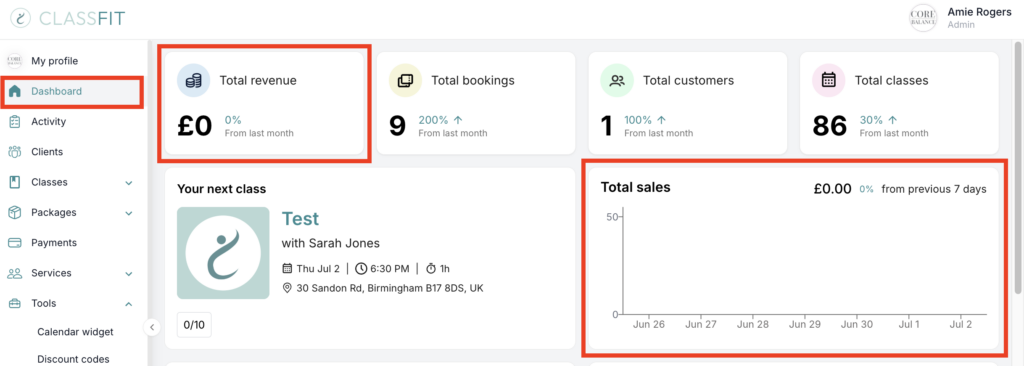
Here is how the Financial reports page looks. You can download your monthly transaction history, View monthly totals by transaction category, Download a list of your payouts and more. Just find out in the tabs on the left the report that matches your need.
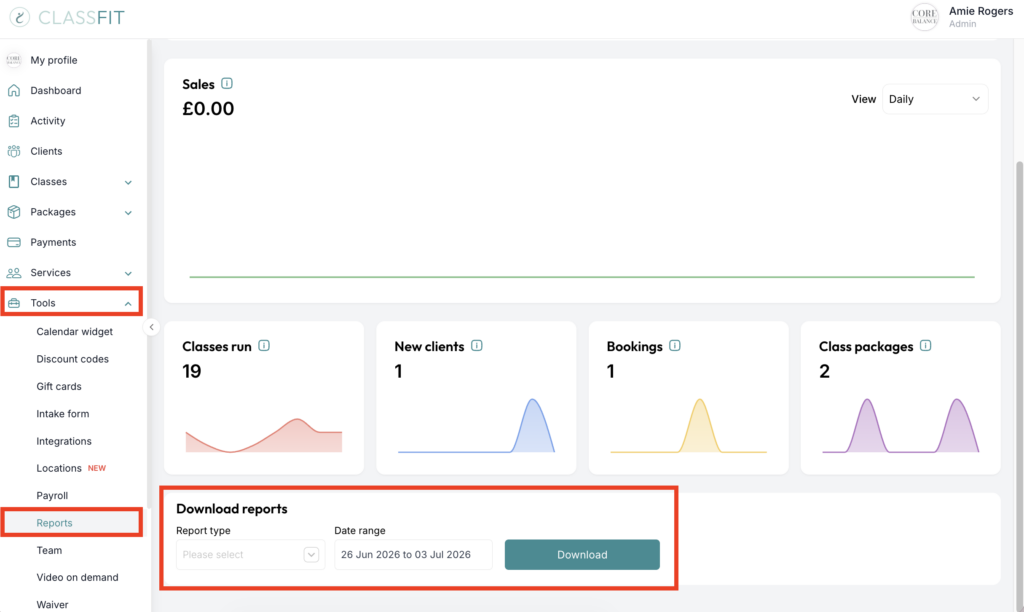
If you have not set up your account with Stripe, please click here.
If you need any further help with this, please visit https://support.stripe.com/questions/getting-started-with-stripe-financial-reports. There are videos that explain about Stripe financial reports further.