

How to add a credit to a client’s account
Sometimes you may need to add class credits to your client’s account. We’ll show you how to do this below.
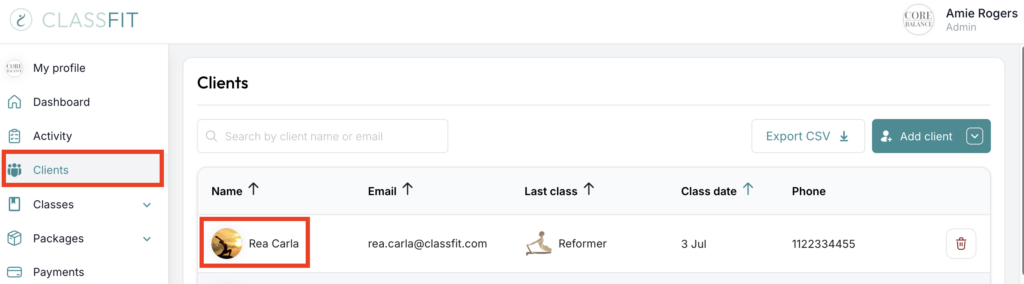
Click Clients on the left side menu. Then click on the name of your client.
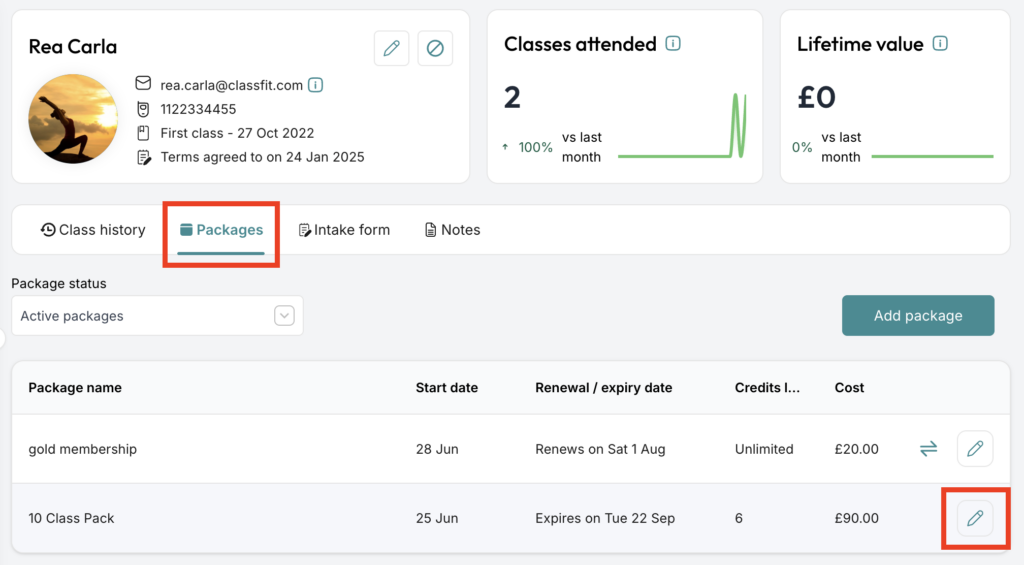
On your client’s profile page, go to the Packages tab. If the client does not have a package, you will need to add one – click here for more details. Then click the pen icon to edit their non-recurring package.
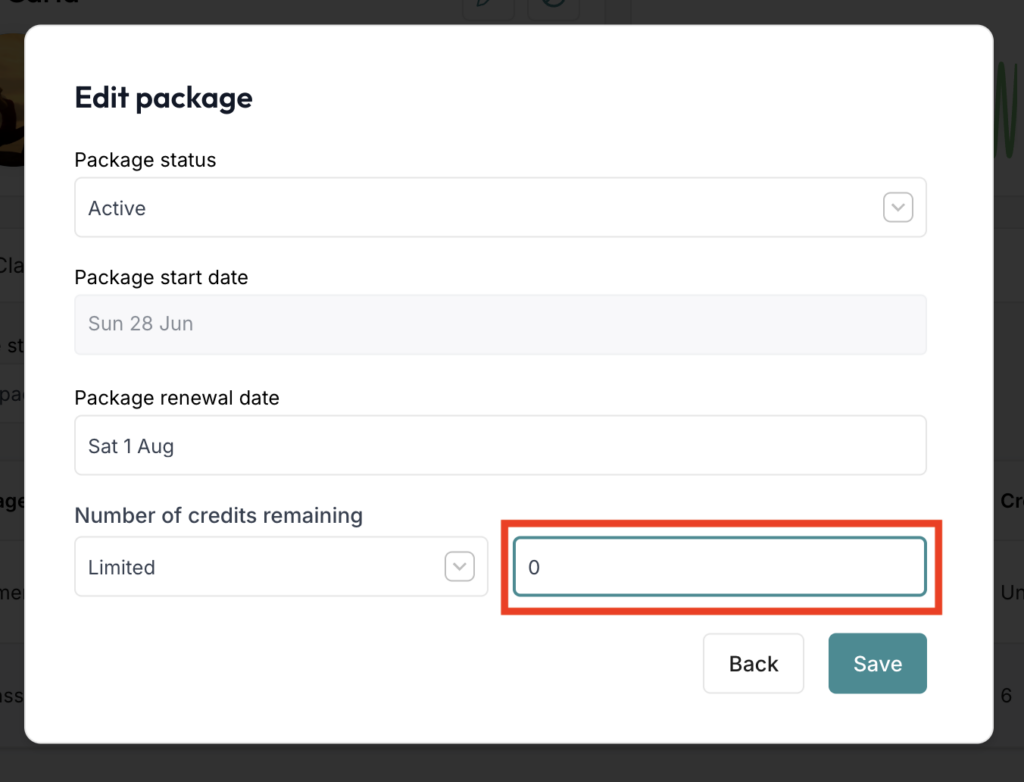
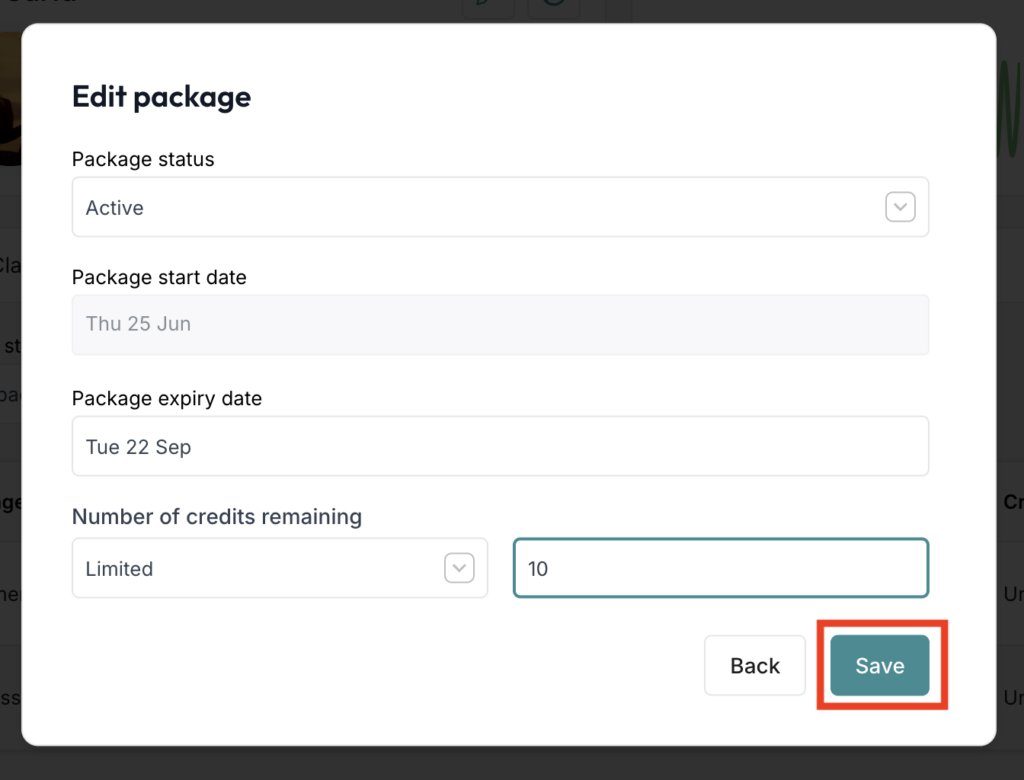
Edit the number of classes left. Then click Save.
If you need any further help with this, please email [email protected].