

Banning and unbanning members
Although we hope you will never need to ban a member, we have provided the option to just in case. We’ve outlined how to ban and un-ban users from your classes below.
Removing clients from class
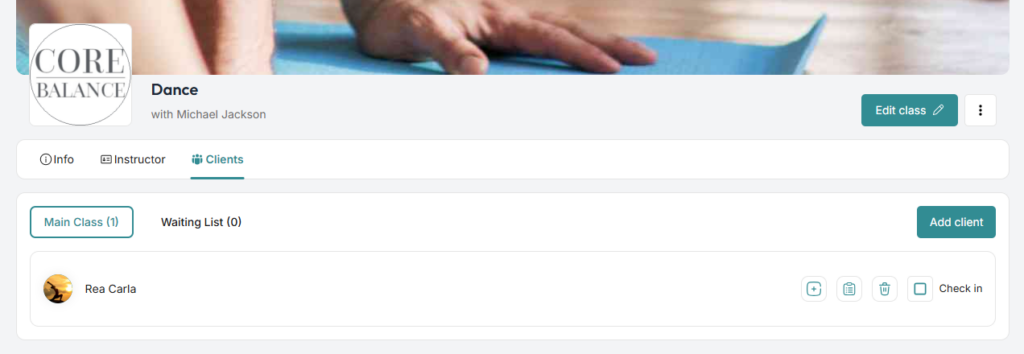
Go to the class details page which the user has joined. Click the tab for Clients then click the trash icon next to their name.
Banning clients
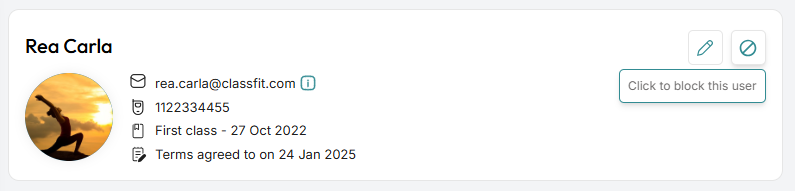
Go to the cient’s profile page by clicking on Clients on the left side menu. Find the user in the participants list and click the block icon next to the pen icon used to edit.
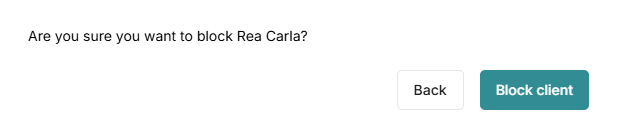
A popup will appear. Are you sure you want to block Rea Carla? Proceed to click Block Client.
Unbanning clients
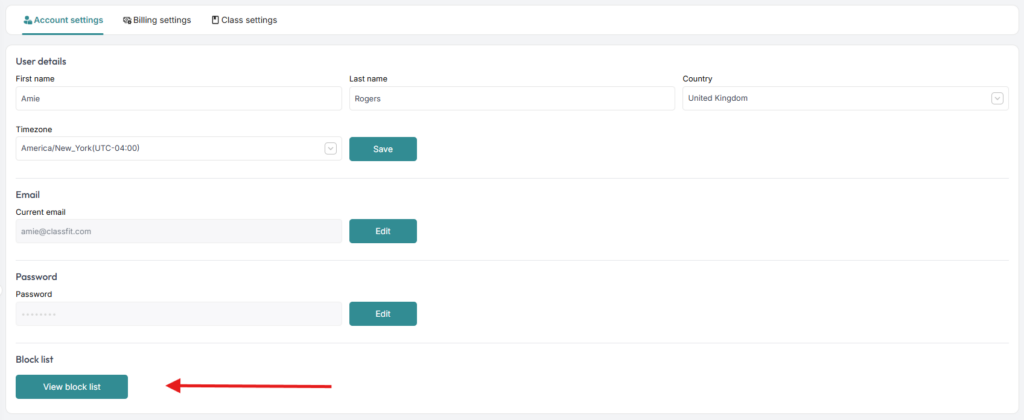
Go to the left side menu and look for Settings. On the Settings page, go to the Account Settings tab. Scroll down to the last option on that page and click View Block List.
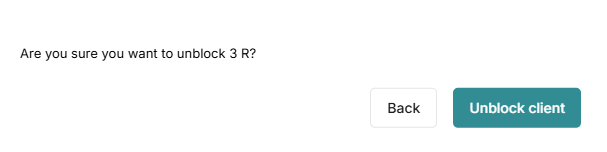
Then click Unblock icon on the right side of the client that you wish to un-ban. Confirm to unblock with the pop-up.
If you need any further help with this, please email [email protected].